Why Vending Card Readers Are Essential for Modern Operators
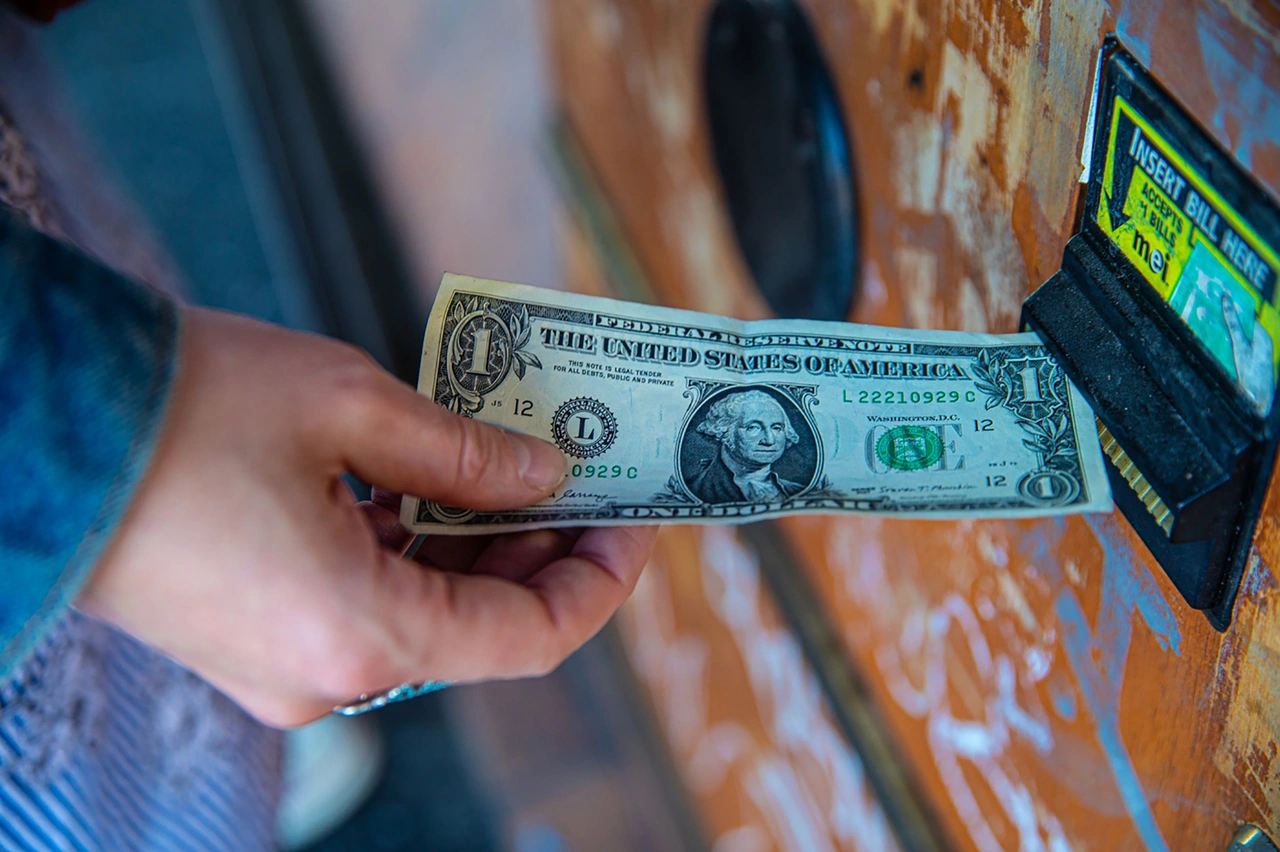
Vending card readers are devices that attach to vending machines to accept cashless payments — including credit cards, debit cards, and mobile wallets like Apple Pay and Google Pay.
Here is a quick overview of what you need to know:
| Topic | Quick Answer |
|---|---|
| Average sales increase | 20–30% after installing a card reader |
| Hardware cost | $200–$600 per machine |
| Transaction fees | 3–5% per sale |
| Typical ROI timeline | 4–8 months (as fast as 6–8 weeks in high-traffic spots) |
| Payment types accepted | Credit/debit cards, EMV chip, contactless, mobile wallets |
| Offline capability | Yes — most readers store transactions locally and sync when reconnected |
| Cash compatibility | Yes — card readers work alongside existing cash and coin mechanisms |
Cash is disappearing from pockets. Card usage at vending machines typically grows to 70–85% of all transactions within just a few months of installation. Operators who don't accept cards are leaving real money on the table — every cash-only machine turns away customers who simply don't carry bills anymore.
The good news? The upgrade is simpler than most operators expect. A card reader connects to your machine's existing controller using a standard interface, and most installations require no special tools.
But not all readers are equal. Features, fees, connectivity, and compatibility vary widely across brands — and picking the wrong one for your route can cost you more than you save.
I'm Manuel Mojica, founder of Vending Circle and former owner of MM Healthy Vending, where I evaluated and deployed vending card readers across multiple machine routes firsthand. In this guide, I'll break down everything you need to compare your options confidently and choose the right reader for your business.

Key Benefits of Installing Vending Card Readers
Adding a card reader is the single most effective upgrade you can make to a vending machine. Beyond simply capturing sales from people who do not carry cash, modern payment terminals transform how you manage your business.
According to our compiled Vending Machine Industry Statistics 2026, adding cashless acceptance increases vending machine sales by an average of 20% to 30%. Because customers are not limited by the physical cash in their pockets, they also tend to purchase higher-priced items and make multi-vend purchases in a single session.
Beyond top-line revenue growth, introducing cashless payment terminals reduces your operational costs by up to 20%. You will spend less time driving to locations to collect, count, and transport heavy bags of coins and bills. Fewer cash transactions also translate directly to fewer mechanical jams in bill validators and coin coin-mechanisms, resulting in a noticeable drop in technical problems and emergency service calls.
Revenue Growth and ROI Timelines
While the benefits are clear, we must look closely at the numbers to understand the financial commitment. Vending machine credit card reader hardware typically costs between $200 and $600 per machine, depending on whether you opt for a basic reader or a premium touchscreen bezel. Installation costs generally run between $50 and $100 per machine if you hire a technician, though many operators choose to handle the physical mounting themselves.
Transaction fees for vending card readers typically range between 3% and 5% of each sale. Some manufacturers structure their fees differently; for instance, the Engage | Vending Machine Card Reader | Cantaloupe — Cantaloupe Store can carry a transaction fee of 5.95% alongside a flat monthly carrier service fee of $9.95.
Despite these fees, the return on investment (ROI) timeline is remarkably short. Most operators see a complete payback on their hardware investment within 4 to 8 months due to the immediate 20% to 35% boost in revenue. In high-traffic locations, card readers can pay for themselves in as little as 6 to 8 weeks.
For example, if you manage a 20-machine route, you might require an initial investment of $6,000 to $14,000 to equip your entire fleet. However, with card adoption rates quickly climbing to 85%+ within 3 to 6 months, the increased sales volume and reduced driving distance can yield a full payback on your route investment in about 8 weeks.
Cash and Coin Compatibility
A common worry among new operators is whether installing a card reader means abandoning cash-paying customers. The short answer is no. Modern cashless readers are designed to work seamlessly in a dual-payment setup.
When you install a card reader, your existing bill validator and coin mechanism remain fully functional. The card reader acts as an additional payment option rather than a replacement. The machine’s internal brain manages both payment streams simultaneously.
For space-constrained machines, some hardware options combine payment interfaces. The 4-in-1 Plus Cashless Card Reader | CPI Cashless is a prime example of an integrated design. It can be mounted directly onto a compatible note validator, saving physical space on the face of your machine while offering customers a single, clean area to insert cash, swipe a magnetic stripe card, tap a contactless card, or scan a mobile wallet.
Technical Specifications and Connectivity Standards
To understand how these devices communicate, we have to look under the hood at the industry standard protocols. The core of any modern vending machine's internal communication is MDB (Multi-Drop Bus) technology.
MDB is an internal communication protocol that allows the vending machine controller (VMC) to talk to all peripheral devices, such as bill validators, coin changers, and cashless card readers. When a customer taps a card, the reader uses the MDB cable to tell the machine controller, "Payment approved for up to $5.00. Allow the user to make a selection."
While MDB handles the payment and vending cycle, DEX (Data Exchange) cables are used to transmit audit data. DEX records exactly how many items have been sold, which slots are empty, and how much cash is sitting in the coin box. The card reader or telemeter retrieves this DEX data and transmits it wirelessly to your management software.
How Vending Card Readers Handle Offline Transactions
What happens if your machine is located in a concrete basement or a remote breakroom with terrible cellular coverage? A dropped internet connection shouldn't mean lost sales.
To prevent transaction failures, advanced systems like the Connected payment reader for vending machines | AZTEK utilize an offline mode. When the cellular or Wi-Fi network drops, the reader stores transactions locally using cached authorization rules. The reader approves the purchase instantly, allows the vend to complete, and then automatically uploads the stored transactions to the processing gateway once the connection is restored. This architecture ensures up to 99.5% uptime, keeping your customers happy even in cellular dead zones.
Telemetry vs. Non-Telemetry Systems
When shopping for vending card readers, you will frequently encounter the terms "telemetry" and "telemer." It is crucial to understand the difference:
- Card Reader without Telemetry: This is a basic payment terminal. It captures card data and sends it to a separate, externally mounted telemer box inside the machine, which handles the cellular connection.
- Card Reader with Built-in Telemetry: This is an all-in-one device. The cellular antenna and modem are housed directly inside the reader bezel. It reads the card, processes the payment, and transmits machine data all on its own.
Telemetry is the technology that wirelessly transmits live machine data to the cloud. By pairing your card reader with a cloud system like the Card reader - Vendon , your card reader doubles as a remote monitoring hub.
This live connection enables comprehensive Vending Machine Inventory Management. Instead of driving to a machine blindly just to find it half-full, telemetry sends real-time stock alerts to your computer or mobile app. You can practice "pre-kitting"—packing your warehouse bins with the exact products needed to restock your route before you even leave the office—saving hours of labor and fuel.
Security, Compliance, and Payment Methods
Accepting credit cards means protecting sensitive financial data. Any card reader you install must comply with strict global security standards.
First and foremost is PCI DSS (Payment Card Industry Data Security Standard) compliance. You should look for readers that are PCI DSS Level 1 certified—the highest security standard available. This certification ensures that all cardholder data is protected using industry-standard encryption from the exact moment of the tap or swipe.
Additionally, your hardware must support EMV (Europay, Mastercard, and Visa) standards. EMV L1 and L2 certifications ensure that the physical terminal can safely read chip cards and contactless cards, protecting your business from fraudulent chargebacks.
Modern readers accept a wide array of payment methods to eliminate friction at the point of sale:
- Contactless EMV: Tapping physical debit or credit cards.
- Mobile Wallets: Apple Pay, Google Pay, and Samsung Pay.
- Magnetic Stripe: Swiping traditional cards (still common, though declining).
- NFC and QR Codes: Scanning mobile apps or loyalty codes.
For example, high-performance hardware like the VENDOTEK EMV card reader for ATMs, terminals, self-service in retail is certified to process contactless payments from Visa, Mastercard, Discover, and UnionPay in under one second, operating reliably in extreme outdoor temperatures ranging from -30°C to +50°C.
Closed-Loop vs. Open-Loop Payments
When setting up machines in specialized environments, you must choose between open-loop and closed-loop payment structures:
- Open-Loop Payments: These are standard bank cards (Visa, Mastercard, American Express) that can be used anywhere in the world.
- Closed-Loop Payments: These are proprietary payment systems restricted to a specific location. Examples include university student IDs, corporate employee badges, or hotel keycards.
Modern card readers support popular NFC standards like MIFARE and LEGIC to handle closed-loop cards. This is incredibly valuable for office coffee services or college campus routes, allowing employees or students to pay for snacks using their existing badges or pre-loaded campus accounts.
How to Install and Configure Your Device
Installing a card reader on an MDB-compliant vending machine is a straightforward process that usually takes less than 30 minutes.
Here is a step-by-step breakdown of a standard installation:
- Power Down the Machine: Always turn off the main power switch to your vending machine before touching any internal cables.
- Mount the Reader Bezel: Remove the existing blank plate on the front of your machine (usually located above or near the bill validator). Mount the card reader bezel using the included screws and spacer plates if necessary.
- Connect the MDB Cable: Plug the reader's MDB harness directly into the machine’s main controller board or daisy-chain it to the existing bill validator's MDB cable.
- Connect the DEX Cable: Plug the DEX cable from the reader into the machine's DEX port to enable inventory and sales auditing.
- Route the Antenna: If using a cellular reader, mount the antenna on top of the machine or run a high-gain antenna cable to the exterior to ensure maximum signal strength.
- Power Up and Test: Turn the machine's power back on. Use a diagnostic tool or a dedicated "Pass Card" (a free-vend testing card provided by manufacturers) to verify that the reader successfully communicates with the processing servers without charging a real card.
- Apply Decals: Place point-of-sale stickers (such as Apple Pay or card acceptance decals) clearly on the machine face to alert customers that they can pay with their phones or cards.
Choosing the Right Vending Card Readers for Your Route
To help you compare the top players in the market, we have outlined the core differences between the most popular vending card reader brands below:
| Brand & Model | Key Features | Best For |
|---|---|---|
| Cantaloupe Engage / G11 | Edge-to-edge touchscreen, vibrant display, custom loyalty prompts, robust VMS integration. | Operators seeking deep inventory tracking and interactive customer engagement. |
| Nayax VPOS Touch | Interactive color screen, accepts over 80 payment methods globally, built-in telemetry, dynamic alerts. | High-traffic routes requiring global payment options and advanced mobile app management. |
| CPI 4-in-1 Plus | Compact footprint, integrated note-validator mounting, bright runway lights for low-light spots. | Space-constrained machines or dimly lit environments like parking garages. |
| Vendon Card Reader | Processes payments in under 3 seconds, automatic refunds on failed vends, stable in poor coverage. | Remote locations requiring fast transactions and high connection reliability. |
| Vendotek EMV Reader | Compact (60x75x20 mm), extreme temperature tolerance (-30 to +50°C), dual-loop system. | Outdoor terminals, kiosks, transit routes, and mixed open/closed-loop setups. |
| Aztek InDA Online | Multi-protocol (MDB, EXE, electromechanical), "no-reader" mobile payment support, remote price updates. | Slim, wall-mounted coffee machines or routes utilizing virtual mobile-wallet apps. |
Frequently Asked Questions about Vending Card Readers
Do I need a separate merchant account for each reader?
No, you do not need to set up individual merchant bank accounts for each card reader you purchase.
When you purchase vending card readers from major brands like Nayax or Cantaloupe, they act as the "Merchant of Record." They handle the banking infrastructure, security compliance, and card brand clearances.
During your initial onboarding phase—which can take up to three weeks to process—you will fill out a master processing agreement. Once approved, all transactions from your entire fleet of readers are bundled together, and the manufacturer sends direct deposits (payouts) to your business bank account on a daily, weekly, or monthly schedule.
What accessories are required for installation?
While most starter kits include the basic components, depending on your machine type and location, you may need a few additional accessories:
- MDB Extension Cables: Available in 3-foot, 6-foot, and 10-foot lengths to bridge the gap between the controller board and the reader.
- DEX Extenders: Essential if the machine's built-in DEX port is hard to reach during servicing.
- High-Gain Antennas: If your machine is placed in a steel-reinforced warehouse or a basement breakroom, upgrading from a standard 4-foot antenna to an 8-foot high-gain LTE antenna can mean the difference between steady sales and constant offline drops.
- Splash Covers: Transparent, weather-resistant shields designed to protect outdoor readers from rain, snow, and liquid vandalism.
- Spacer Plates: Used to mount a standard reader bezel onto older machine faces with non-standard cutouts.
Can I remotely change prices on my machines?
Yes, if your card reader is connected to a telemetry-enabled cloud platform or a Vending Management Software (VMS) system, you can update your prices remotely.
Instead of driving to a location, opening the machine door, and manually typing in new prices via the internal control board, you can log into your web dashboard, adjust the pricing configuration for specific slots, and push the updates wirelessly to the machine instantly. This remote programming capability is a massive time-saver, allowing you to run temporary promotions or adjust for inflation with a few clicks.
Conclusion
Upgrading your vending machines with modern card readers is no longer a luxury—it is a fundamental requirement for running a profitable, scalable business in 2026. Accepting cashless payments instantly captures lost sales, increases your average transaction value, and provides you with the telemetry data needed to optimize your daily restocking routes.
However, choosing the right hardware, configuring payment gateways, and navigating transaction fees can feel overwhelming when you are doing it alone.
That is why we built Vending Circle.
Whether you are looking to buy your very first Machines or trying to figure out which card reader fits your existing fleet, Vending Circle is your ultimate resource. We are a combined learning and procurement platform where operators share real-world strategies, attend weekly live Q&As, and access manufacturer-direct pricing on hardware, parts, and supplies.
Curious about how we can help you scale your vending business? Learn more about our community and resources by reading What is Vending Circle and join our network of active operators today!